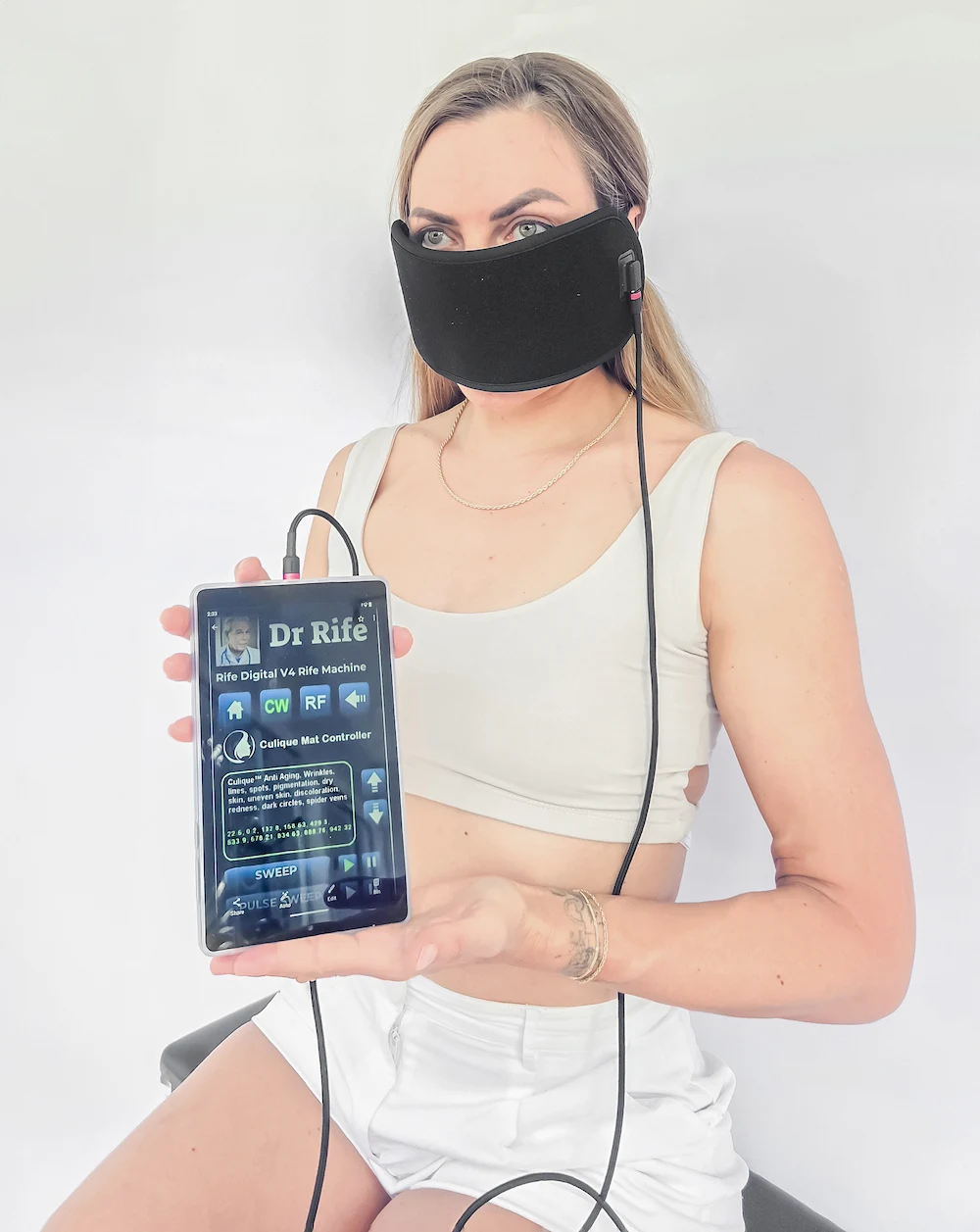
While the included handheld controller provides 5 comprehensive standalone frequency protocols, the Culique Infrared Mask can also connect directly to external frequency generators, such as the Rife Machine RDPV4, for advanced ETDFL frequency sweeps.
Expanded ETDFL Frequency Sweeping
Connecting the Culique mask to the RDPV4 enables access to the complete library of over 3,500 specialized frequency presets, delivering targeted frequency resonance directly through the optical silicone array with +99% carrier transmission efficiency.
Step-by-Step Connection Instructions
- Locate ETDFL Group Number: Consult the ETDFL guidebook (or use the on-screen search bar on your RDPV4) to find the specific program number matching your intended skin or wellness protocol.
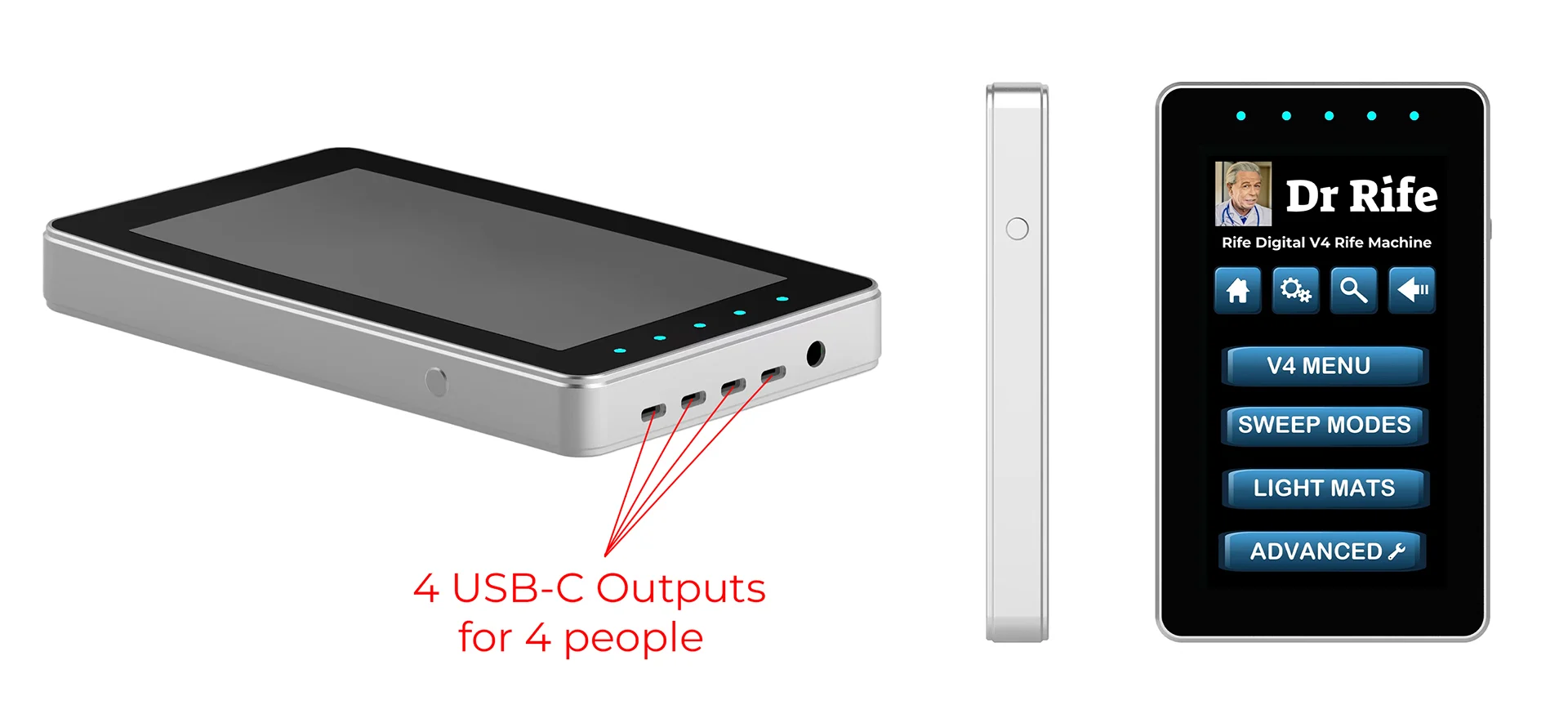
- Connect USB-C to RDPV4: Insert the high-efficiency Culique USB-C frequency cable into the top output port of the Rife Machine RDPV4. Verify the mask connection is snug.
- Access the Culique Light Mask Menu: On the RDPV4 digital screen, navigate to Menus → Culique Light Mask and confirm device recognition.
- Select Frequency Sweep: Choose either the automated preset or execute a custom sweep across your selected ETDFL frequency band.
- Configure Voltage Output: For optimal biological resonance through the LED diodes, set the RDPV4 output voltage to 17.5V DC (or 14.5V DC if reduced optical intensity is preferred).